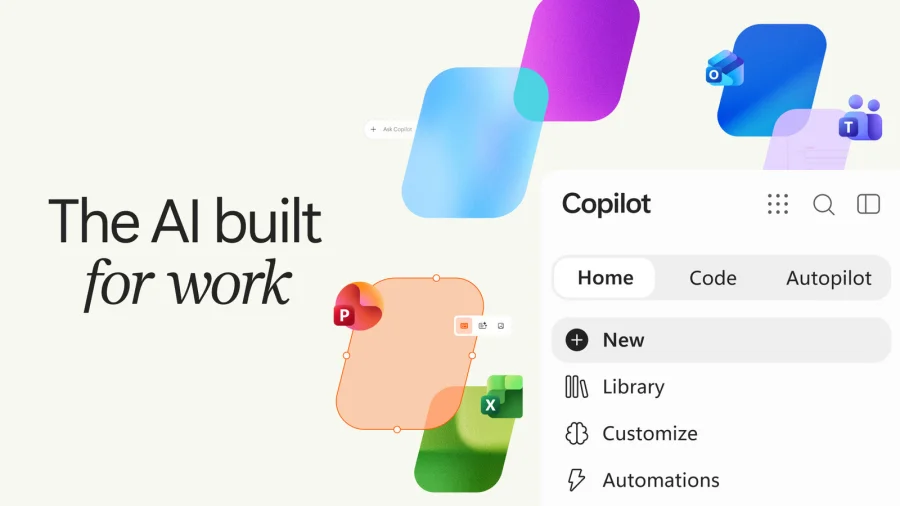

Microsoft is giving its Copilot app another facelift. The update adds Office, natural coding and automation features to the AI assistant, expanding what the app can do for users.
What Microsoft Copilot App Update Brings
The headline story is simple: Microsoft's Copilot app is getting three new capability areas. These are Office integration, natural coding and automation.
Office integration means the Copilot app connects with Microsoft's Office tools. Natural coding means users can write code in plain language. Automation means the app can handle tasks automatically.
This is not the first time Microsoft has updated the Copilot app. The original story describes this as "another facelift" — meaning the company has refreshed the app before and is doing it again.
Why Microsoft Is Adding These Features
Microsoft is positioning Copilot as more than a chat assistant. By adding Office, natural coding and automation, the company is pushing the app toward being a full productivity tool.
Office integration makes sense because Microsoft already owns the Office suite. Natural coding opens the app to people who want to build or script things without deep programming knowledge. Automation lets the app do repetitive work for users.
Together, these three features point in one direction: Microsoft wants Copilot to be the app you open to get work done, not just to ask questions.
What This Means for Copilot Users
For current Copilot users, the update means the app will do more. You will be able to work with Office files, write code in natural language and set up automation — all inside the Copilot app.
For people who have not tried Copilot yet, these additions make the app more useful. The pitch is no longer just "an AI chatbot." It is "an AI assistant that works with your documents, your code and your tasks."
Our Take: A Smart Move, But Execution Matters
In our view, Microsoft is making the right bet. The AI assistant market is crowded, and chat alone is not enough to keep users. By tying Copilot to Office, coding and automation, Microsoft is giving people practical reasons to stay inside its ecosystem.
To put it plainly, this update is about making Copilot useful for daily work — not just impressive in a demo. Office integration is the strongest piece because Microsoft controls that stack. Natural coding and automation are harder to get right, and users will judge them on how well they actually work.
The real test is not the feature list. It is whether these tools save time without adding confusion. If Copilot can do that, this facelift will matter. If not, it will be just another update.
For readers, the takeaway is straightforward: if you use Microsoft products, watch how these Copilot features roll out. They could change how you handle documents, code and routine tasks.