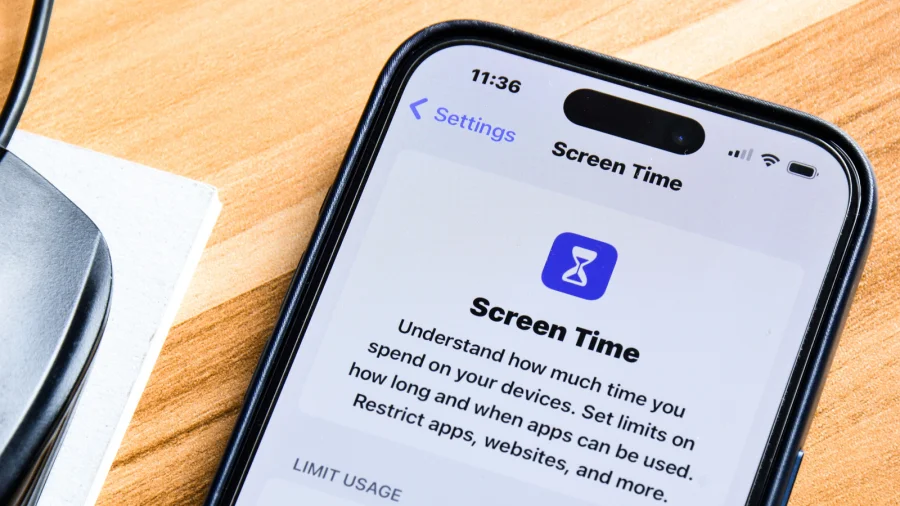

If you keep picking up your iPhone and losing hours to the same apps, Screen Time is the built-in tool that can help. It lets you block or limit apps that waste your time, so you can stop using your phone when you actually want to stop.
The idea is simple. You choose the apps that pull you in, and Screen Time puts a wall between you and them. This is not about quitting your phone forever. It is about taking back control of the moments when you would rather be doing something else.
What Is Screen Time on iPhone?
Screen Time is a feature that comes with your iPhone. It tracks how you use your device and gives you tools to manage that use. The part that matters here is app limiting and blocking.
With Screen Time, you can set limits on specific apps. Once you hit the limit, the app gets blocked. You can also schedule downtime, which blocks apps during certain hours. This is useful if you want to stop using your phone at specific times, like before bed or during work.
The original story makes the point clearly: if you want to stop using your phone at certain times and stop getting stuck in certain apps, Screen Time can help. That is the core of it.
How to Block Time-Wasting Apps Step by Step
Here is the basic process. Open Settings on your iPhone. Tap Screen Time. From there, you can set App Limits or Downtime.
- App Limits — Choose the apps you want to limit. Set a daily time limit. When the time runs out, the app is blocked.
- Downtime — Schedule a block of time when only the apps you allow will work. Everything else gets blocked.
- Always Allowed — Pick the apps that should never be blocked, like phone or messages.
- Block at Downtime — Turn this on if you want apps blocked the moment downtime starts.
You can also use a Screen Time passcode. This stops you from just tapping "ignore limit" when you are tempted. If someone else sets the passcode, you cannot easily override it. That makes the block actually stick.
Why This Matters for iPhone Users
Most people do not plan to waste time on their phones. It just happens. One tap leads to another, and suddenly an hour is gone. Screen Time works because it puts a speed bump in front of that habit.
The tool is already on your iPhone. You do not need to download anything or pay for a separate app. That makes it the easiest first step if you want to cut down on time-wasting apps.
It also gives you data. You can see which apps eat the most time. That alone can be a wake-up call. Once you know where your hours go, it is easier to decide what to block.
Our Take: A Simple Fix Most People Ignore
In our view, Screen Time is one of the most underused features on the iPhone. People complain about being addicted to their phones, but they never open the settings that could help. The tool is right there, and it takes only a few minutes to set up.
To put it plainly, blocking time-wasting apps is not about willpower alone. Willpower fails when you are tired or bored. A block set in advance does not fail. It just works, quietly, in the background.
If you want to stop getting stuck in certain apps, start with Screen Time. Set a limit on the one app that steals the most from you. See how it feels. Then add more. You do not have to change everything at once.
The bottom line: your iPhone has a built-in way to help you use it less. That is worth trying before you buy anything else.