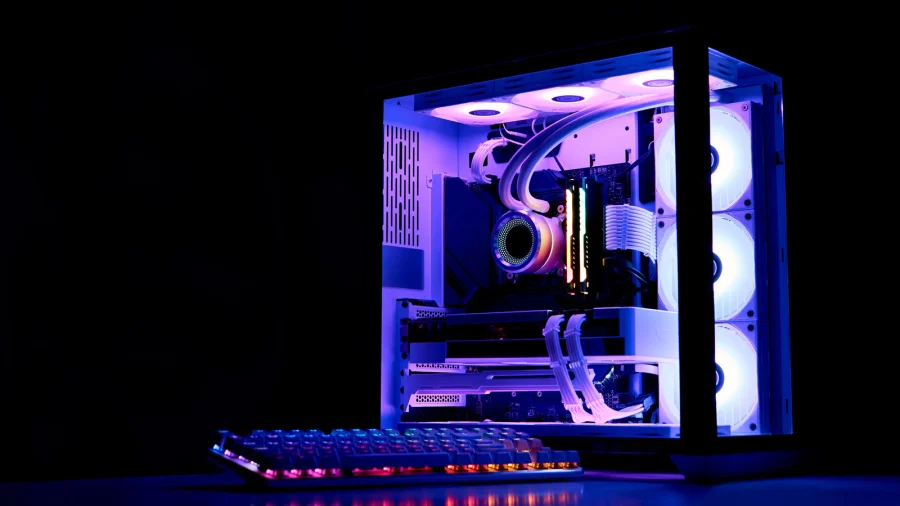

A power outage is annoying on its own. But the real danger to your computer does not happen when the lights go out. It happens when they come back on. Unplugging your PC during an outage is one of the simplest ways to protect it.
Why a Power Outage Is Not the Main Threat to Your PC
When the electricity cuts off, your computer simply loses power. That is inconvenient, but it is not usually what kills the machine. The bigger risk builds up quietly while the power is still out.
Most people wait for the electricity to return and leave their PC plugged in the whole time. That is exactly the mistake the original warning points to: the surge that arrives with returning power is what can damage your tech.
The Real Danger: When the Power Comes Back On
When electricity returns after an outage, it does not always come back in a clean, steady flow. The moment of return can send a spike through your home's wiring. If your PC is still plugged in, that spike has a direct path into it.
This is why the advice is not just about turning your computer off. It is about physically unplugging it. A switched-off PC that is still connected to the wall can still take the hit.
- Unplug the PC itself — not just shut it down
- Do it during the outage, before the electricity returns
- The goal is to keep the returning surge away from your tech
What This Means for You
To put it plainly, the few seconds it takes to pull the plug can be the difference between a working computer and a fried one. You do not need special tools or technical knowledge. You just need to act before the power comes back.
In our view, this is one of those small habits that people ignore until it costs them. Power outages are unpredictable, and the return of electricity is the part nobody thinks about. Unplugging your PC during an outage is cheap insurance for an expensive device.
Our Take: A Small Habit That Saves an Expensive Device
The message here is simple and worth repeating. Do not let your tech get fried because you left it plugged in. The outage itself may pass without incident, but the comeback is where the damage happens. Unplug your PC, wait for the power to settle, and then plug it back in.