
Apple Watch Theater Mode Guide to Silence Alerts
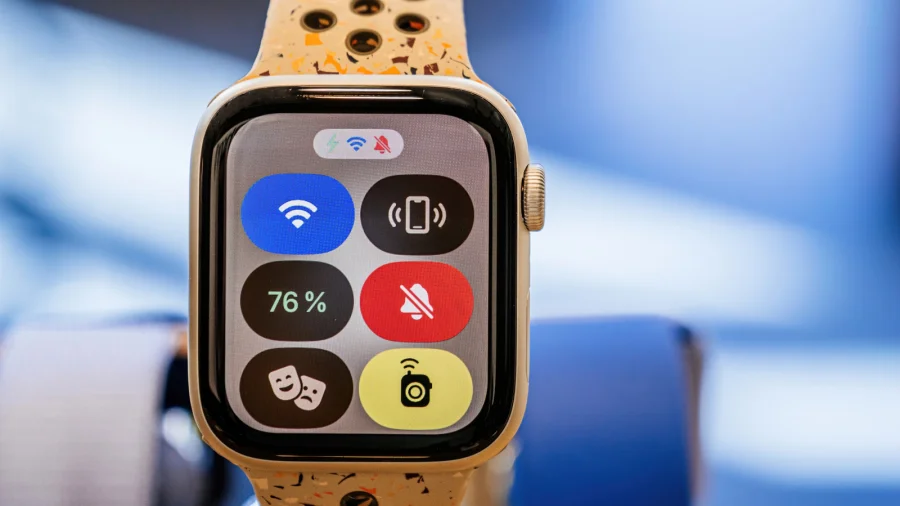
Theater Mode is a setting on the Apple Watch that silences alerts and keeps the screen dark. It is made for moments when you want your watch to stay quiet but s...


Most people set up their smart TV, connect it to Wi-Fi, and never think about it again. But there's a detail worth knowing: the Wi-Fi connection on your TV is p...
Greece has passed a social media ban for children under 15, following through on a measure announced earlier this year. Here is what the new law means for families.
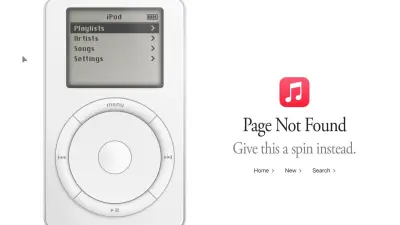
Apple Music has hidden a fun Easter egg for the iPod's 25th anniversary. Here is what the click wheel surprise is and how Apple is marking the milestone.
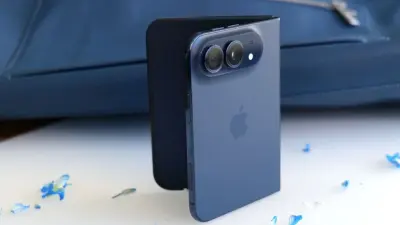
Apple's foldable iPhone Duo prototypes are reportedly trying to fit in Face ID, a feature the company dropped from most iPhones nearly 10 years ago.
PC shipments have dropped more than 20 percent compared to last year, and the decline could reach 27 percent through the end of 2026 as prices keep climbing.
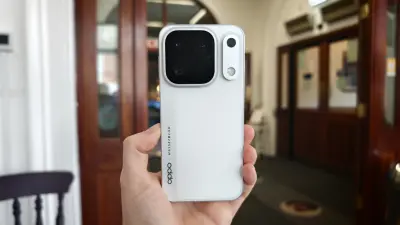
Oppo Find X10 Pro Max hands-on review: the phone packs three 200-megapixel cameras, but it plays it safe as Oppo tries to fill a OnePlus-shaped hole.
Supernatural, the VR exercise app, has relaunched on Meta VR headsets in early access, with subscriptions priced at $20 per month or $200 per year.
A 1kW wind turbine can help cut your electric bill, but the wind decides how much power it makes. Here is what homeowners should know before buying one.
Perplexity now makes it easier to run AI workflows entirely on your own Mac. A Mac with at least 36GB of RAM can run these workflows locally, no cloud needed.
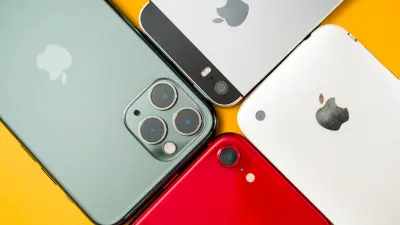
Simple steps to speed up an old iPhone. Learn how to make your slow iPhone feel faster by cutting background load, freeing storage, and reducing animations.
Android Auto's autoplay feature is meant to be convenient, but it can be annoying. Here is a simple guide on how to stop audio from auto-playing on Android Auto.