

Summary
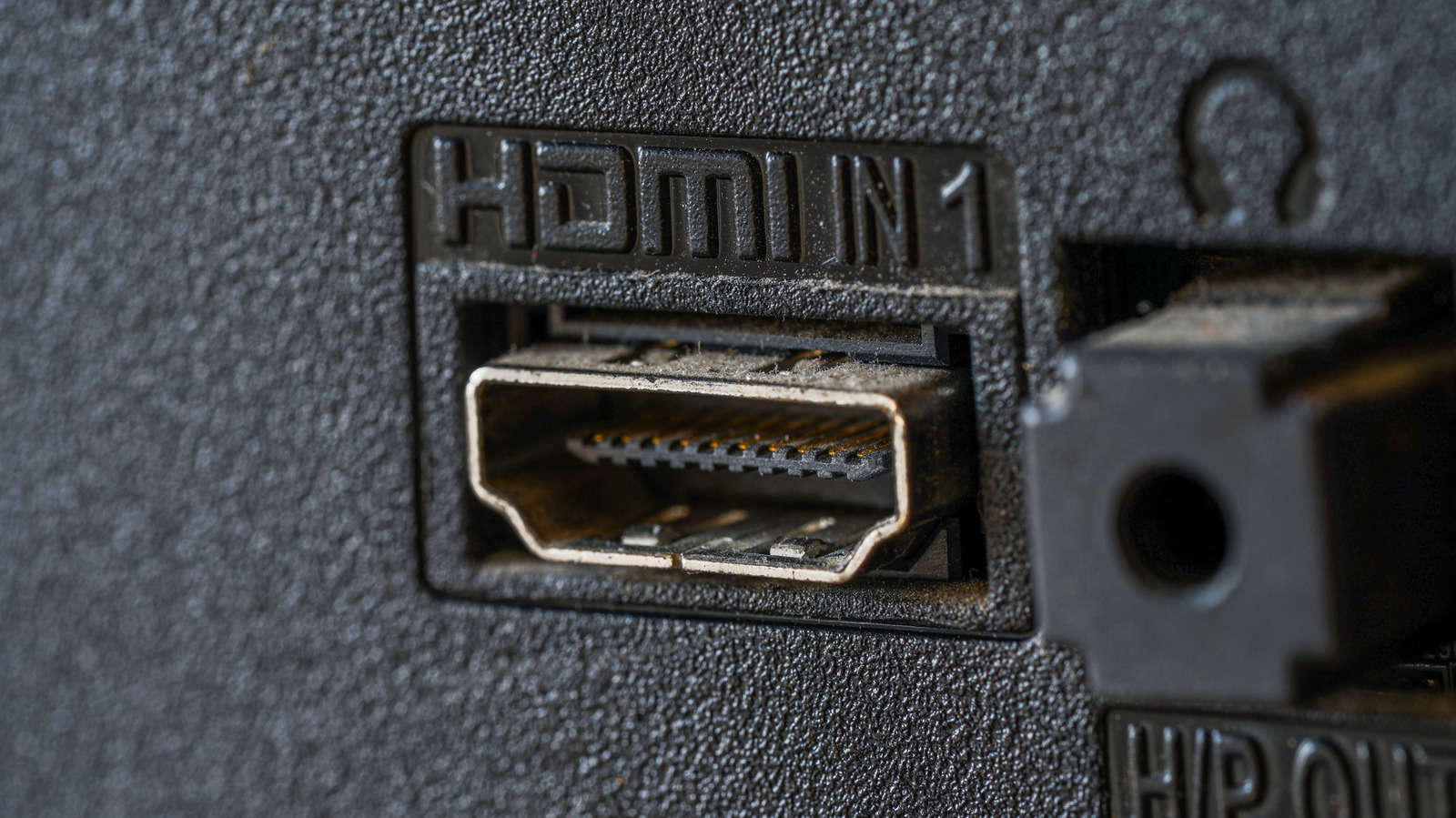
Most modern televisions come with several HDMI ports on the back, but one of them usually has a special label. This port is marked as ARC or eARC, and it serves a very specific purpose for your home theater setup. Instead of just receiving video signals, this port allows sound to travel in both directions between your TV and your speakers. Understanding how to use this port can simplify your cable setup and improve your overall listening experience.
Main Impact
The biggest impact of HDMI ARC technology is the removal of extra wires. In older setups, users had to plug in a separate audio cable, such as an optical wire, to get sound from the TV to a soundbar. With ARC, a single HDMI cable handles both the picture and the sound. This makes it much easier to set up a home entertainment system. It also enables a feature called HDMI-CEC, which lets you use your TV remote to control the volume of your soundbar or receiver automatically.
Key Details
What Happened
HDMI ARC stands for Audio Return Channel. It was introduced to solve a common problem: how to get sound out of a TV and into a speaker system without adding more clutter. Normally, data travels from a device like a gaming console or a Blu-ray player into the TV. However, when you use a smart app built into your TV, the sound starts at the TV itself. The ARC port allows that sound to travel "upstream" back to your soundbar through the same cable that connects them.
Important Numbers and Facts
There are two main versions of this technology that you will find on TVs today. The standard ARC version has been around for over a decade. It supports basic surround sound but has limited data speeds. The newer version, called eARC (Enhanced Audio Return Channel), was introduced with the HDMI 2.1 standard. While the original ARC has a data speed of about 1 megabit per second, eARC can handle up to 37 megabits per second. This extra speed allows for much higher sound quality, including uncompressed audio formats like Dolby Atmos and DTS:X.
Background and Context
Before HDMI ARC became common, people relied on "Optical" or "Toslink" cables for digital sound. While these cables worked well, they had physical limits. They could not carry high-definition sound formats and they were easily broken if bent too sharply. As TVs became smarter and started hosting their own streaming apps like Netflix and YouTube, the industry needed a better way to send high-quality sound to external speakers. HDMI ARC was the answer to this need, using the existing HDMI cable to do more work. It turned the HDMI cable into a two-way street for data.
Public or Industry Reaction
The tech industry has almost entirely moved away from older audio connections in favor of HDMI ARC and eARC. Almost every new soundbar and home theater receiver sold today includes at least one ARC-compatible port. Users generally appreciate the technology because it reduces the "cable spaghetti" behind their TV stands. However, some users find it confusing because not all HDMI ports on a TV support ARC. You must look closely at the labels on the back of the TV to find the one specific port that works for audio return.
What This Means Going Forward
As we move toward higher resolution video like 8K and more advanced sound systems, eARC will become the standard requirement. If you are buying a new TV or soundbar today, it is important to check for eARC support to ensure your system is ready for the future. You will also need to make sure you are using a "High Speed" or "Ultra High Speed" HDMI cable. Older, cheap cables might not have the capacity to handle the high data needs of eARC. In the coming years, we can expect the setup process to become even more automatic, where the TV and soundbar talk to each other perfectly as soon as they are plugged in.
Final Take
The HDMI ARC port is a small but powerful tool that makes home movies sound better and look cleaner. By using the correct port and a single high-quality cable, you can get rid of extra remotes and messy wires. It is one of the few technical features that actually makes life simpler for the average person. If you haven't checked the back of your TV lately, looking for that ARC label could be the easiest upgrade you ever make to your living room.
Frequently Asked Questions
Can I use any HDMI port for my soundbar?
No, you must use the specific port labeled ARC or eARC on your TV. While other ports will send video to the TV, only the ARC port can send audio back out to your speakers.
Do I need a special cable for HDMI ARC?
Most standard High Speed HDMI cables will work for basic ARC. However, if you want to use the newer eARC features for the best possible sound, you should use an Ultra High Speed HDMI cable.
What if my TV does not have an ARC port?
If your TV is older and does not have an ARC port, you will need to use a separate cable for sound. The most common option is an optical audio cable, which connects from the "Optical Out" on the TV to the "Optical In" on your soundbar.